
Lexia Native Components
Lexia supports several native components that render rich, interactive elements inside the chat interface. These components use Lexia-specific Markdown tags, which the frontend parses and converts into images, videos, cards, buttons, audio, and loading placeholders.
This article explains how each component behaves, how they appear in the UI, and what structure the agent must send to render them correctly.
1. Overview
Lexia Native Components are lightweight UI blocks that let your agent display rich information — such as cards, tables, images, or alerts — directly inside the chat interface.
Agents can include Native Components in their responses using special markdown blocks. Lexia parses these blocks and renders them dynamically on web or mobile.
2. Loading States
Lexia provides loading placeholders that show while the agent prepares data. These indicate that the system is working on a response.
General Loading
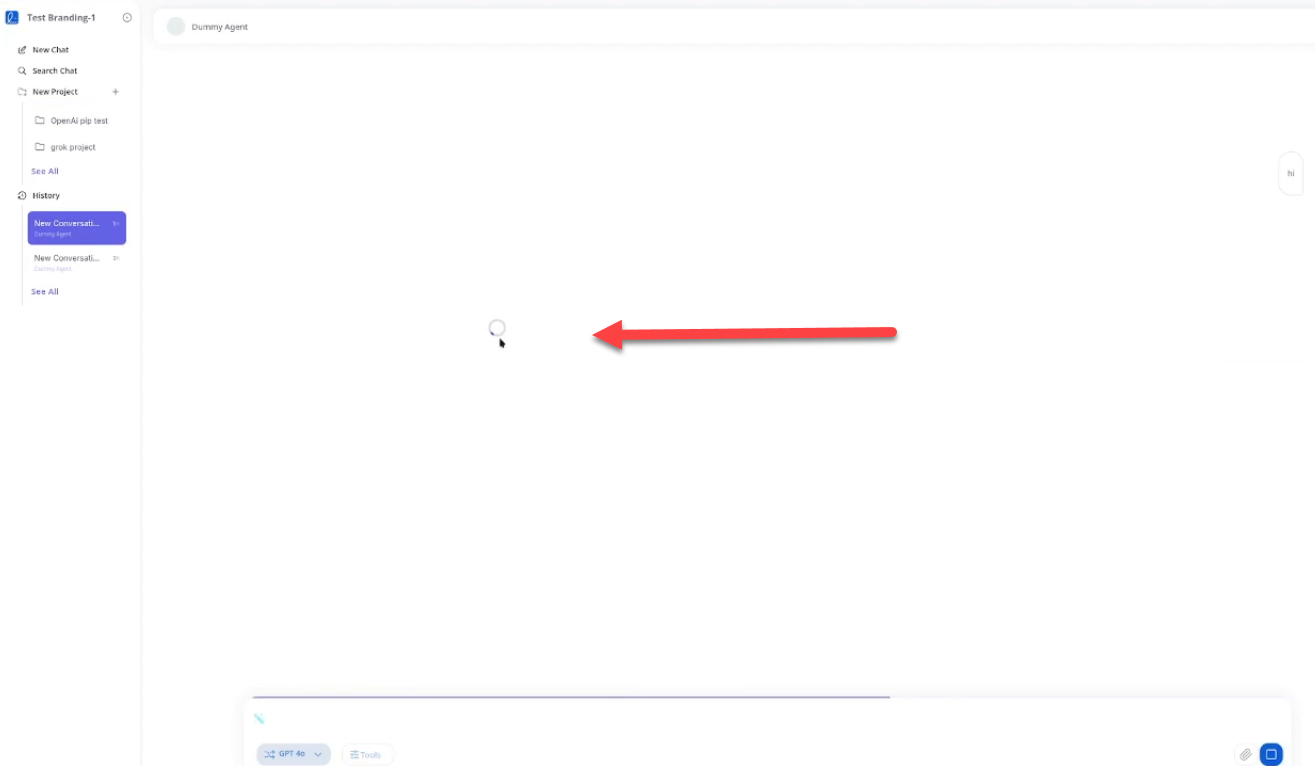 Image: General loading state showing a spinner and "general loading" text in the chat interface
Corresponding tags:
[lexia.loading.start]
[lexia.loading.end]
Lexia also supports dedicated placeholders for images, videos, and cards:
[lexia.loading.image.start]
[lexia.loading.image.end]

[lexia.loading.video.start]
[lexia.loading.video.end]

[lexia.loading.card.start]
[lexia.loading.card.end]
3. Images
When the agent sends an image URL between the required tags, Lexia renders it as a visual asset.
Image generation first shows an image placeholder, then updates when the final image arrives.
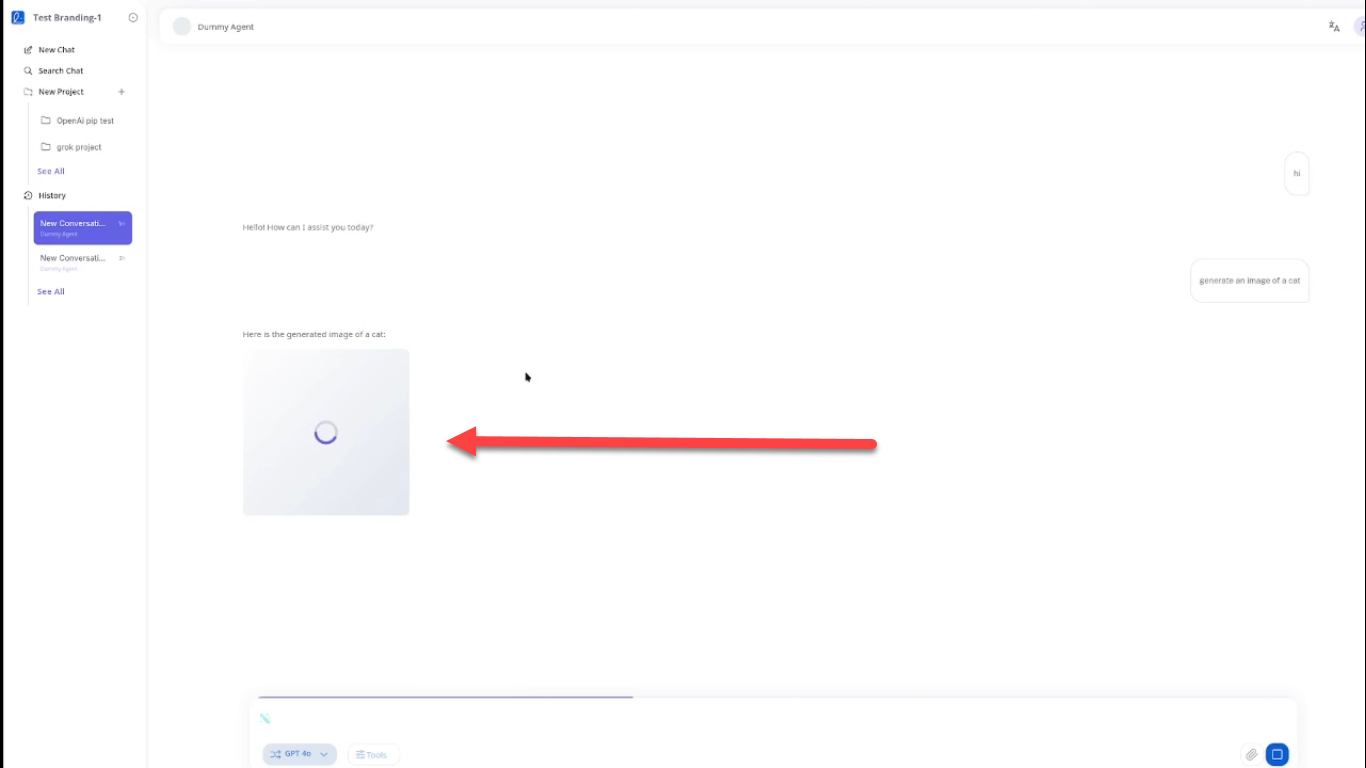 Image: Image placeholder with loading spinner shown during image generation
Tag format:
[lexia.image.start]
https://example.com/image.png
[lexia.image.end]
Lexia recommends sending each image block in one complete chunk.
4. Buttons
Lexia renders link buttons and action buttons using structured YAML-style entries between the button tags.
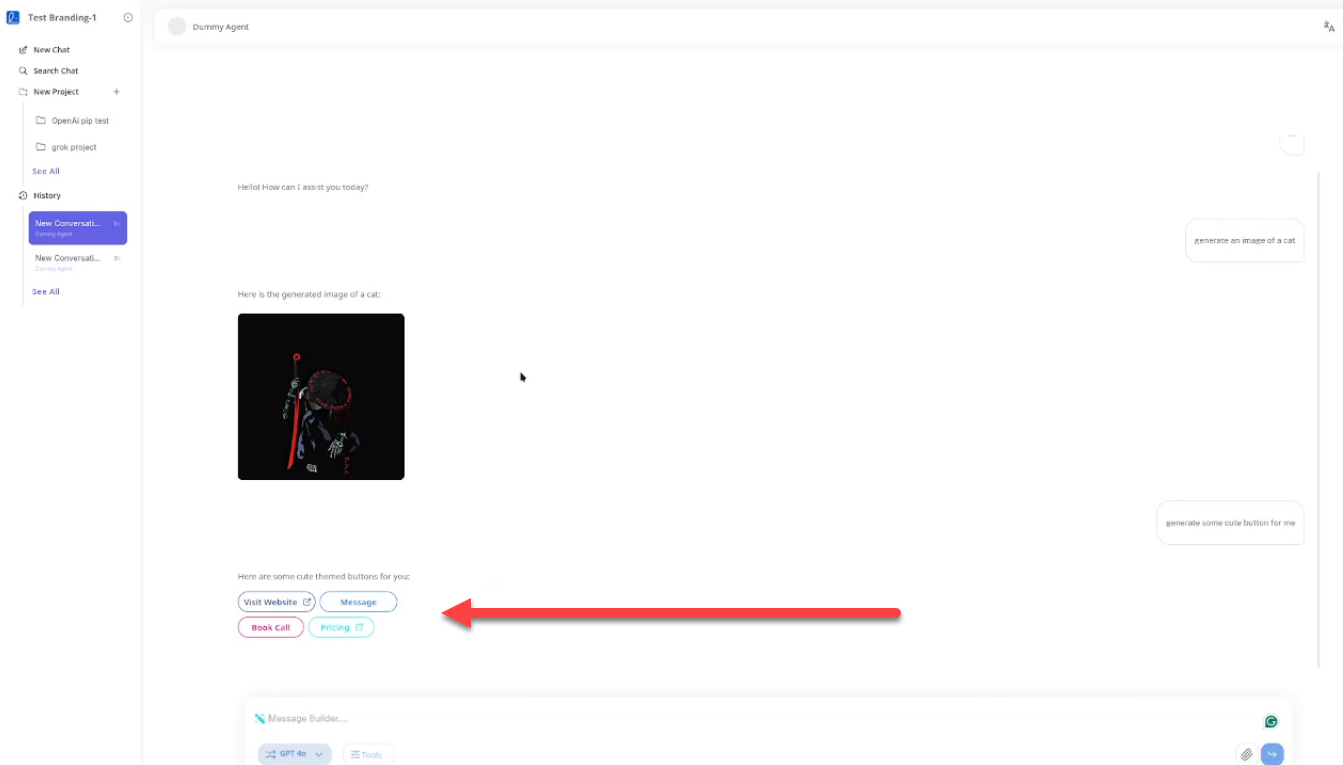 Image: Chat interface showing rendered buttons in rows with different colors and types
Tag format:
[lexia.buttons.start]
- type: link
  label: Visit Website
  url: https://example.com
  color: #2A72D4
  row: 1
- type: action
  label: Message
  id: start_dm
  color: #4CAF50
  row: 1
[lexia.buttons.end]
- Link buttons redirect to a URL.
- Action buttons send a structured payload to the backend.
- Buttons with the same
rownumber are shown in the same horizontal group.
5. Cards
Cards let the agent present structured data: a photo, a header, and a subheader. These are displayed in a clean, formatted list.
Tag format:
[lexia.list.card.start]
- photo: https://example.com/img.jpg
  header: John Doe
  subheader: Senior Developer
[lexia.list.card.end]
6. Audio
Lexia can embed audio players inside the chat when the agent sends audio entries between:
[lexia.audios.start]
- label: Welcome
  url: https://example.com/audio.mp3
  type: audio/mp3
[lexia.audios.end]
Each entry renders a playable audio component with standard controls.
7. Videos and YouTube Embeds
Lexia supports direct MP4 video URLs and YouTube links:
[lexia.video.start]
https://example.com/video.mp4
[lexia.video.end]

[lexia.youtube.start]
https://youtube.com/watch?v=123
[lexia.youtube.end]
A loading placeholder can be shown first using the corresponding loading tags.
8. Streaming Behavior
Lexia's streaming engine renders these components in real time. To avoid malformed output:
- Do not split Lexia tags across chunks.
- Keep each component block atomic.
- Send plain UTF-8 Markdown only.
The frontend handles rendering and animation.